Google Upgrades Gemini in Docs, Sheets, Slides, and Drive
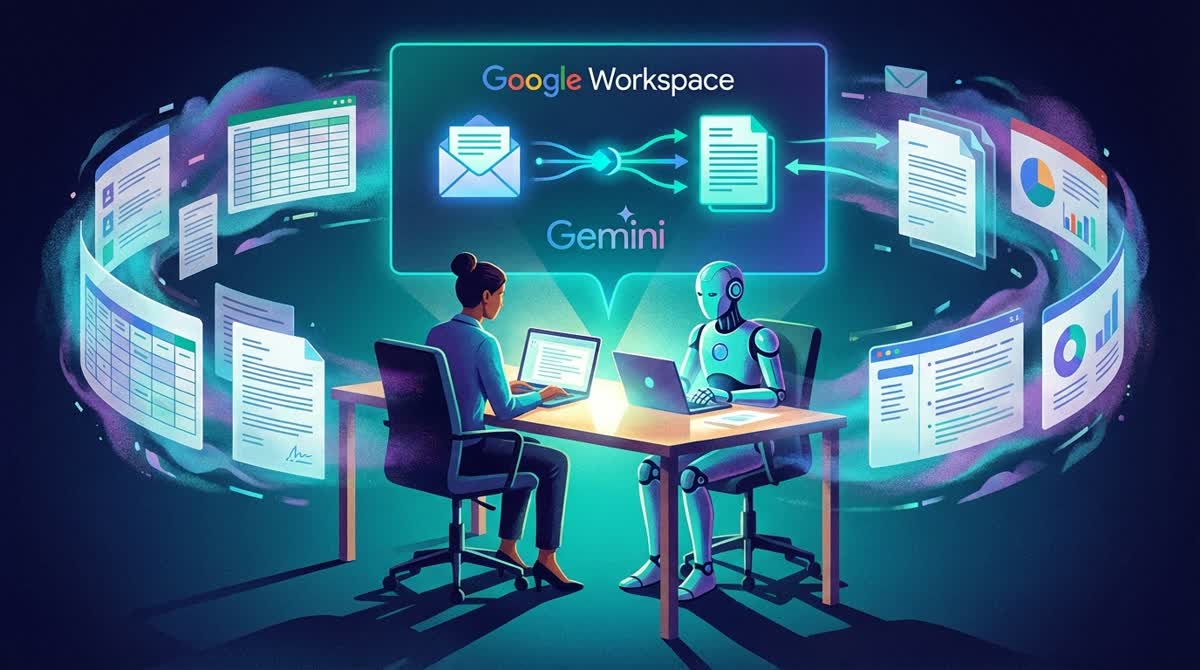
Google rolled out a wave of new Gemini-powered AI features across its Workspace suite on Tuesday, making it easier to generate documents, spreadsheets, and presentations directly from existing files and emails.
Help Me Create in Docs
The most significant addition is a new "Help me create" tool in Google Docs. Users describe what they want — such as a marketing campaign plan or neighborhood newsletter — and Gemini pulls relevant context from Gmail, Drive, and Google Chat to generate a fully formatted first draft. The feature is accessible from the Docs side panel or a new bottom bar.
Once a draft exists, Gemini can refine specific sections without regenerating the entire document. Two new tools — "Match writing style" and "Match doc format" — help teams unify tone across collaborative drafts or mirror the structure of a reference document automatically.
Smarter Sheets and Slides
Gemini in Sheets now acts as a full spreadsheet builder. A single prompt can generate a formatted tracker, checklist, or financial model by pulling data from Gmail and Drive. A new "Fill with Gemini" feature populates table cells with real-time information sourced from Google Search — useful for automatically looking up deadlines, pricing, or contact details.
In Slides, Gemini can generate fully editable slides that match an existing deck's visual theme, with content drawn from connected Workspace files.
Availability
The updates began rolling out March 10, 2026, in beta for Google AI Ultra and Pro subscribers, along with Gemini Alpha business customers. Docs, Sheets, and Slides features are available in English globally; Drive features are launching in the US first.