Claude HUD v0.0.10: Terminal Plugin Gets Color Themes and 1M Context Support
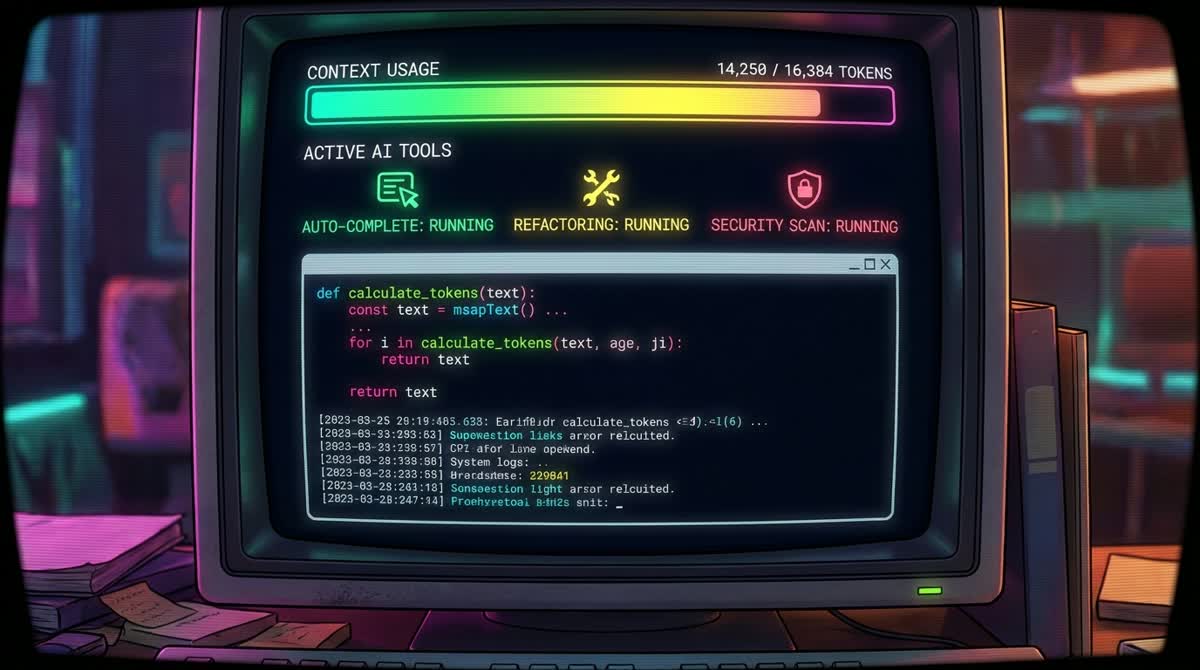
Claude HUD, a Claude Code plugin that renders a live heads-up display in the terminal, released version 0.0.10 today and surged to the top of GitHub Trending with over 11,500 stars and roughly 834 new stars in a single day.
What Claude HUD Does
The plugin hooks into Claude Code's native statusline API and shows real-time information beneath the input prompt — no extra window or tmux pane required. The default display includes a context bar (turning red as the window fills), active tool calls (reads, edits, grep runs), running subagents with elapsed time, and todo-task progress. All data is pulled directly from Claude Code's stdin, so token counts are exact rather than estimated.
New in v0.0.10
The headline additions are configurable color overrides — users can now specify named presets, 256-color indices, or hex values for each HUD element — and a display.customLine field for a short personal status phrase. The update also adds optional display of the session name, Claude Code version, and approximate system RAM.
The most practically significant change is accurate support for Claude Code's 1 million token context sessions. Previous versions scaled context bars against a fixed limit; v0.0.10 reads the context window size reported by Claude Code directly, keeping the visualization correct regardless of plan or model.
Installation
Inside any Claude Code session:
/plugin marketplace add jarrodwatts/claude-hud
/plugin install claude-hud
/claude-hud:setup
Three presets are available on first run: Full, Essential, and Minimal. Settings persist across sessions in ~/.claude/plugins/claude-hud/config.json.
The project launched in January 2026 and has grown steadily alongside Claude Code's plugin ecosystem.