OpenAI Expands Codex With macOS Computer Use, In-App Browser and Memory
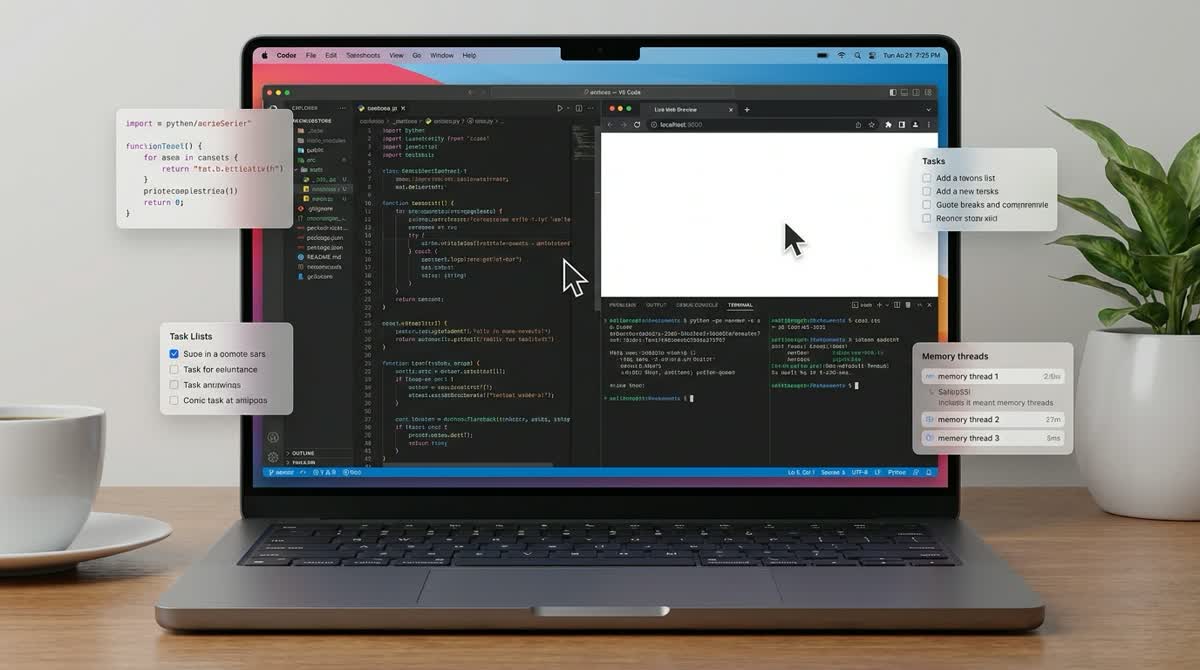
OpenAI has shipped a broad Codex update that pushes the product beyond cloud coding tasks and further onto the desktop. The company says the app now supports macOS computer use, an in-app browser, preview memory, scheduled thread automations, richer file previews, and deeper pull request review tools.
What changed
The headline feature is computer use on macOS. OpenAI says Codex can now see, click, and type inside desktop apps after users grant Screen Recording and Accessibility permissions. The company positions it for GUI-only debugging, app testing, browser-based checks, and other tasks that do not fit cleanly into command-line tools or plugins.
OpenAI also added an in-app browser for unauthenticated local or public pages, letting developers leave page-level comments for Codex while reviewing frontend changes. Alongside that, Codex now offers preview memory for carrying forward stable preferences and project conventions, plus thread automations that can wake the same conversation later to continue long-running work.
Why it matters
The update makes Codex look less like a single coding agent and more like a general workspace for software tasks that move between code, browsers, documents, and desktop apps. OpenAI’s own changelog notes that computer use is launching only on macOS for now, and is not initially available in the EEA, UK, or Switzerland.
That narrower rollout matters, but the overall direction is clear: OpenAI is trying to make Codex useful across more of the software workflow, not just code generation.